
Online Banking, Security & Privacy


I got a question from a friend today asking about whether it's safe to check banking, credit card, or financial information on Linux.
I had an answer, and also, I think banking security and privacy is a good topic regardless of your operating system, so let's make this a quick one, shall we?
Linux vs. Windows vs. MacOS and Security
Let's start with the operating system.
Linux is a free, open-source operating system. It's powerful, super secure (partly because there are so many people contributing to its development), and versatile. Linux comes in many flavors, and you can choose from different distributions (a.k.a. 'distros') depending on your preferences. It's considered to be the gold standard for privacy.
Windows is basically an ad spam machine, still somewhat in development by Microsoft, that is easily filled with viruses and spyware if you blink your eyes for too long while you have a web browser open. Tell me I'm wrong.
MacOS is Apple's operating system, and it's generally considered to be a very secure system. But, unlike Linux, it's owned by Apple and the code is not openly available for review and contribution outside of Apple, and many call it a 'walled-garden'. That said, it's built on a similar code base to Linux, and is also less prone to security issues like spyware or viruses than Windows.
What does this have to do with banking?
Well, not much specifically with banking, but if your operating system is compromised by a virus or spyware, it can be much easier for someone to see what you're doing at the system level (i.e. before you even reach a website), so it's important to make sure that your operating system is also up-to-date and secure in its own right (and if you have Windows, get a really good virus software).
A more variable factor to consider would be your network security.
What makes a network secure?
First, it depends whose network it is. If you're at home and your router uses a good password, it's probably pretty secure. Depending on what other devices you have connected to the network, maybe less so, but not definitely not at the level of public networks.
Public networks are the ones that you can get onto for free like at a coffee shop or in a store. These can be monitored by the owner of the network and can technically be accessed by anyone else connected to the network. Does everyone know how to do that? No. But some people do, and so it's best to protect yourself if you're using a public network. A great way to protect your data on public—or even home—networks is with a trusted VPN.
 KL
KL
What about website security?
Modern browsers make it a little hard to tell if the site you're on is encrypted since they don't often show the full URL anymore or the little lock icon, but one way to check is by clicking on the URL in the address bar and pressing the back arrow on your keyboard. If you see https://, you're on a secure website. That 's' at the end of https tells us that the information you send between your computer and that site is encrypted.
The good news here is that even if you're on a public network, and even if someone is trying to intercept your data (we call this a 'middleman attack'), that data is encrypted. They might be able to see that you're on chase.com, but they can't see your credentials, form data, or your banking information, etc. All of that would be gibberish on their end.
There are a couple of ways that a middleman attack can still happen, but the good news is that modern browsers (and most banking websites) explicitly protect from those types of attacks. If you are trying to access your banking website and you see a big red warning on your browser that says, "Your connection is not private," stop immediately.
Are there any additional security measures I can take to protect my online banking information?
Sure! One way to protect that information is to create a separate profile in your web browser—or use a different web browser entirely—just for your banking. Don't install any plugins or extensions on this browser and don't use it for accessing any other websites. I'd recommend always using a secure web browser, personally I like Brave since it's built on the same engine as Chrome, so they look and feel similar without all the data mining.
KL
Also, make sure your web browser is always up to date. There are almost always security updates and patches that are worth keeping up with.
Of course, make sure you're using a strong password that you don't use for any other website. It's a good idea to use a password manager to create unique passwords for every site you visit, but at LEAST make sure your banking password is unique.
KL
Lastly, turn on two-factor authentication if it's not already required. This prevents someone from accessing your account even if they do manage to get access to your account credentials. It's always a good idea, but even more important when financial information is involved.
KL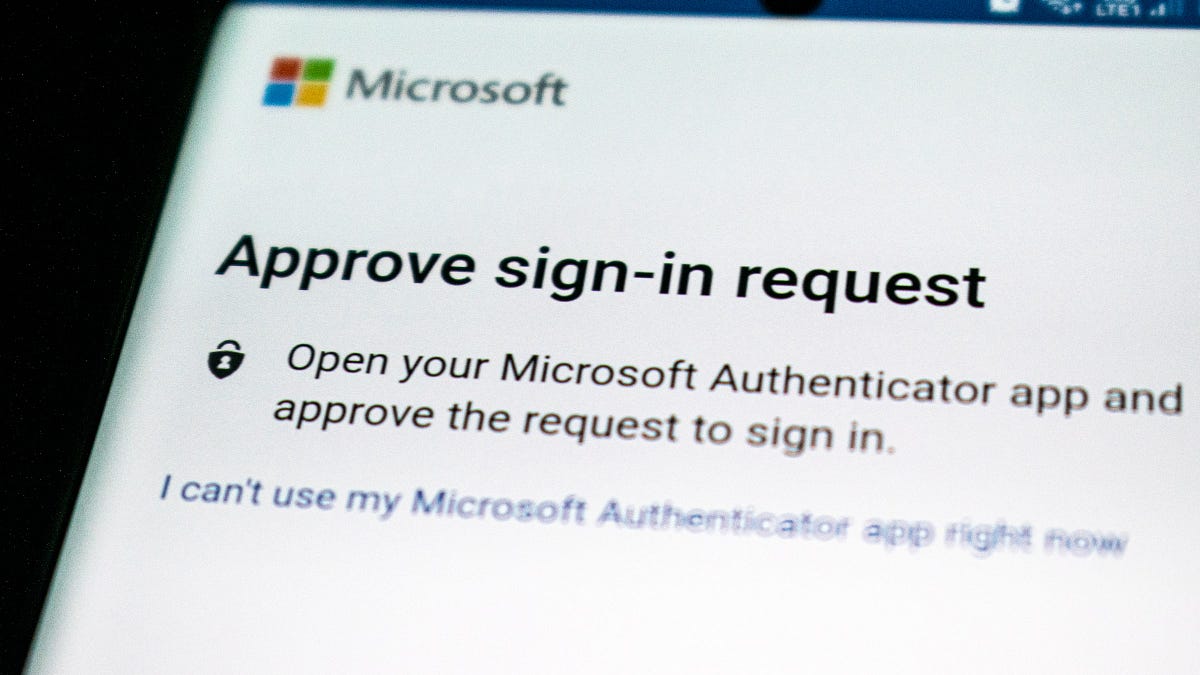
Final Thoughts
Banking websites are some of the most secure sites on the internet, so there's honestly less to worry about with them, but it's good to consider what other ways your information can be accessed or compromised.
Ensuring your operating system is secure and up-to-date is a great start, and using a secure network to access a secure website, with a secure and unique password are all great ways to ensure your personal information stays private.

The Women's Privacy Project is free for everyone, but it costs $200/year to host on secure, private servers (and it's a labor of love). If you found this content helpful or at least interesting, please consider supporting the mission with a one-time or monthly contribution.
I know I said this would be a quick one, but I'm wordy, ok? Sorry.
Keep on keepin' on,
KL


